用Vitest为Express API编写自动化测试

本文介绍如何使用Vitest为Express应用编写单元测试和集成测试,涵盖测试概念、文件命名、测试结构,并给出实用示例,帮助开发者构建可靠的API。
为什么需要自动化测试?
开发API时,我们常常需要在代码和测试工具(如Postman)之间频繁切换,手动验证每个接口的逻辑。这不仅耗时,还容易遗漏边界情况。自动化测试能让你在添加新功能时自动运行测试,无需离开IDE,就能确保每个功能符合预期。
本文将通过Vitest框架,教你如何为Express应用编写测试。你将学会先编写测试来验证API逻辑,再通过Postman等工具确认结果,从而建立对代码的信心。
前置准备
在开始之前,请确保你具备以下基础:
- Node.js与Express基础:了解如何构建和运行简单的API。
- TypeScript知识:本文示例使用TypeScript编写。
- MongoDB基本了解:示例使用MongoDB,但核心逻辑适用于任意数据库。
- API开发经验:至少写过一次Express后端API。
- 环境要求:Node.js 20或更高版本。
所有代码示例可在Git仓库中找到,每个示例有独立分支,主分支包含完整示例。
测试的核心概念
测试类型
- 单元测试:测试代码中的单个功能或函数,隔离运行,是最基础的测试类型。
- 集成测试:测试不同模块之间的协作,确保它们能正确集成。
常用术语
- Mocking(模拟):创建函数的假实现,用于模拟真实调用。
- Spying(监视):检查函数是否被调用、调用参数和次数。
- Assertion(断言):验证实际输出是否与预期一致。
测试文件命名与结构
文件命名规范
测试文件应遵循以下命名约定之一:
filename.test.ts/filename.spec.tsfilename.test.js/filename.spec.js
使用test或spec关键字,测试框架才能识别并运行它们。根据项目语言选择扩展名,本文使用TypeScript。
测试文件的基本结构
一个典型的测试文件包含四个主要部分:
describe:描述测试组,例如“用户API”。it:定义单个测试用例,指定要验证的条件。expect:声明预期结果。matchers:expect上的方法,如toBe、toEqual,用于比较实际结果与预期。
实战:为Express API编写测试
安装Vitest
首先,在你的项目中安装Vitest:
npm install vitest --save-dev
在package.json中添加测试脚本:
"scripts": {
  "test": "vitest"
}
编写单元测试
假设我们有一个简单的函数add,用于计算两数之和:
// utils.ts
export function add(a: number, b: number): number {
  return a + b;
}
对应的测试文件utils.test.ts:
import { describe, it, expect } from 'vitest';
import { add } from './utils';

describe('add function', () => {
  it('should add two numbers correctly', () => {
    expect(add(2, 3)).toBe(5);
  });
});
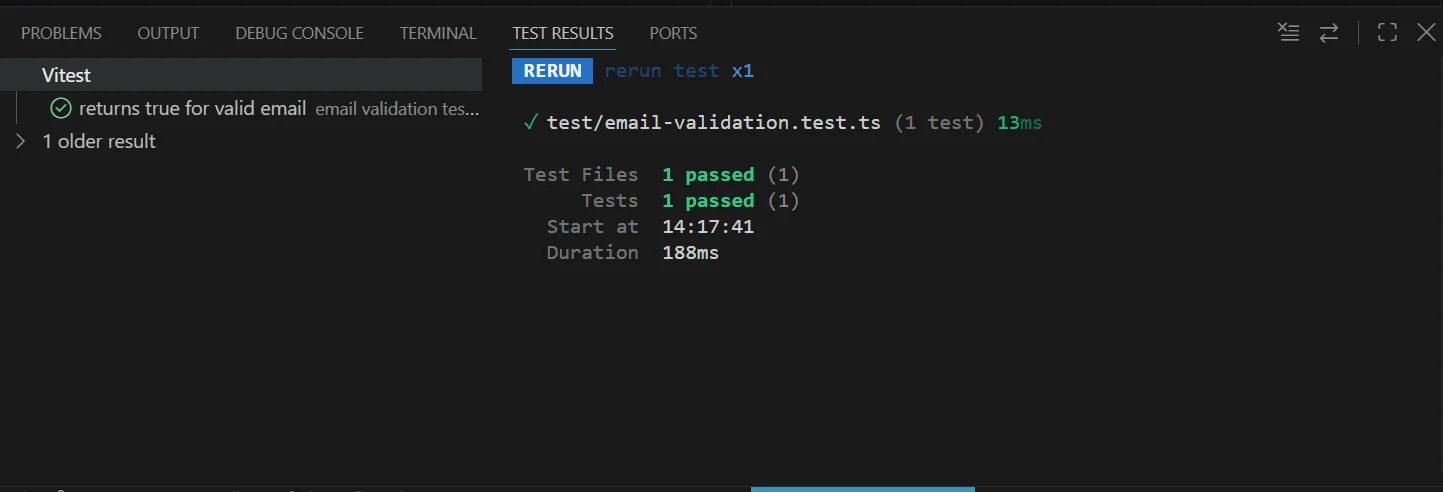
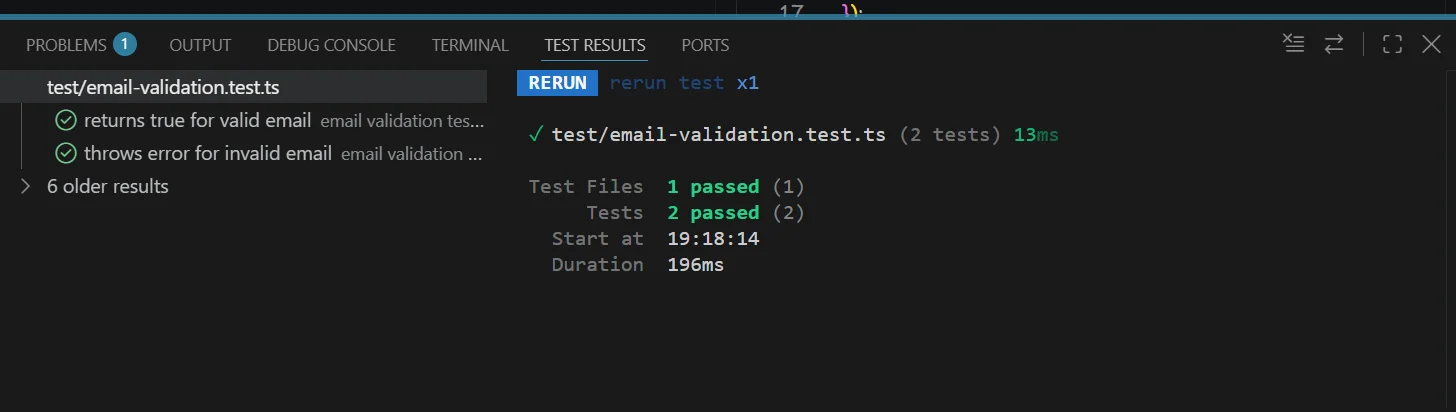
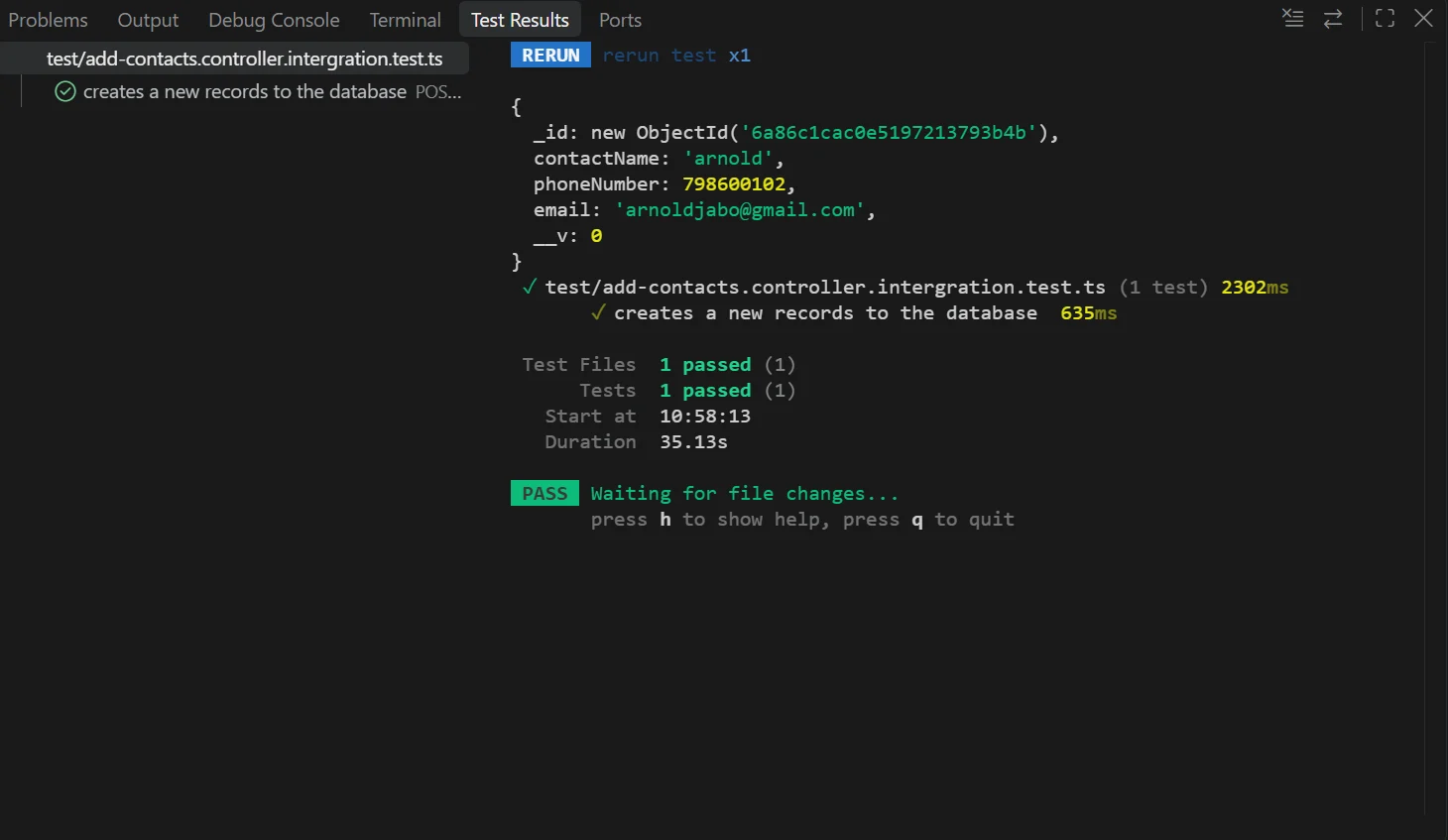
运行npm test,你会看到测试通过。
编写集成测试
集成测试通常涉及数据库和HTTP请求。我们以Express + MongoDB为例,测试一个获取用户的接口。
首先,使用supertest模拟HTTP请求:
npm install supertest --save-dev
测试文件user.test.ts:
import { describe, it, expect, beforeAll, afterAll } from 'vitest';
import request from 'supertest';
import app from './app';
import mongoose from 'mongoose';

beforeAll(async () => {
  await mongoose.connect('mongodb://localhost:27017/test');
});

afterAll(async () => {
  await mongoose.connection.close();
});

describe('GET /api/users/:id', () => {
  it('should return a user', async () => {
    const res = await request(app).get('/api/users/123');
    expect(res.status).toBe(200);
    expect(res.body).toHaveProperty('name');
  });
});
这里使用了beforeAll和afterAll来管理测试数据库连接,确保测试独立运行。
模拟与监视
当依赖外部服务时,可以使用模拟来隔离测试。例如,模拟一个发送邮件的函数:
import { vi, it, expect } from 'vitest';
import { sendEmail } from './email';

vi.mock('./email', () => ({
  sendEmail: vi.fn()
}));

it('should call sendEmail once', () => {
  sendEmail('test@example.com');
  expect(sendEmail).toHaveBeenCalledTimes(1);
});
总结
通过Vitest,你可以轻松为Express应用编写自动化测试,提高开发效率和代码质量。从单元测试到集成测试,掌握这些技能后,你可以在开发过程中即时验证功能,减少手动测试的时间。
建议从简单的单元测试开始,逐步扩展到集成测试。记住,测试不是目的,而是建立信心、保障代码质量的手段。